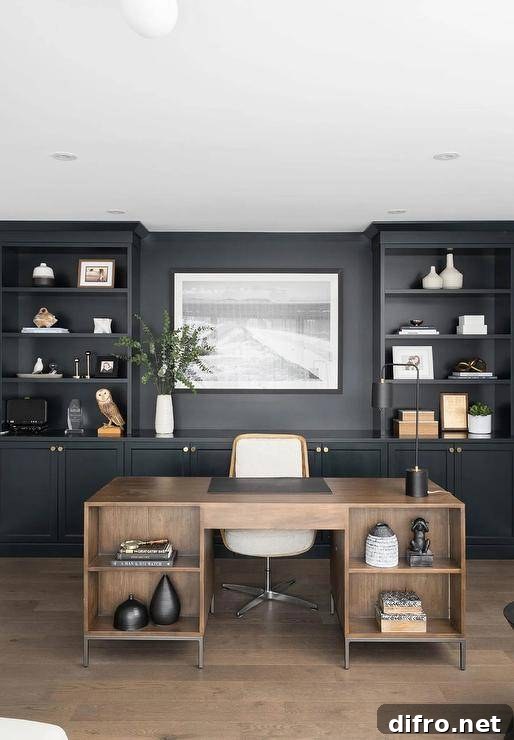
One major perk of modern life is the ability to skip the daily commute and work from home. From the comfort of your own space you can complete tasks, hold meetings, communicate with colleagues, manage projects, promote your business online, and earn income. Working remotely also helps reduce everyday costs, which is especially valuable as living expenses rise. To make the most of those benefits, though, you need a well-equipped, comfortable home office.
Whether you work from home full-time or frequently bring office tasks back with you, a dedicated, stylish workspace improves focus and productivity. If you’ve been squeezing your laptop into a makeshift corner, it’s time to invest in a practical, organized desk area. Below are curated home office ideas, reasons to have a home office, styling tips, must-have equipment, and creative placement suggestions to help you create a better workspace at home.
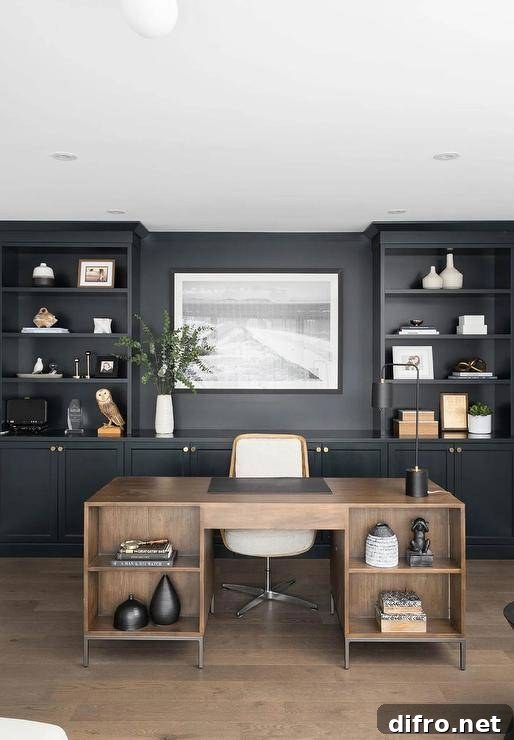
Why You Should Have a Home Office
You Work Remotely
Remote work has become common for many people. A dedicated home office provides the necessary infrastructure—desk space, power, storage, and a professional backdrop for virtual meetings—so you can work effectively and maintain productivity. A private workspace also helps you separate work from the rest of the household, supporting consistent performance and professional presentation.
Space for Study and Learning
Home offices double as organized learning areas for students taking online classes or adults pursuing continuing education. A quiet, structured workspace reduces distractions, makes it easier to concentrate on lessons or coursework, and keeps important materials safe from household clutter.
Quiet, Focused Environment
Well-placed home offices are often tucked away from daily household traffic, creating a calm zone where you can read, write, and complete focused work. Having a dependable quiet space at home preserves your workflow and reduces the interruptions that come from working in common areas like the kitchen or living room.
Work/Life Balance
A separate home office helps create a physical boundary between professional duties and family life. Closing the door at the end of the day signals the transition from work to personal time, which is essential for mental well-being and maintaining healthy routines.
Resale and Long-Term Value
Homes that include a dedicated office or flexible room for a study are increasingly desirable. If you ever sell, a well-designed home office can boost your property’s appeal and value to buyers who prioritize remote work or learning spaces.
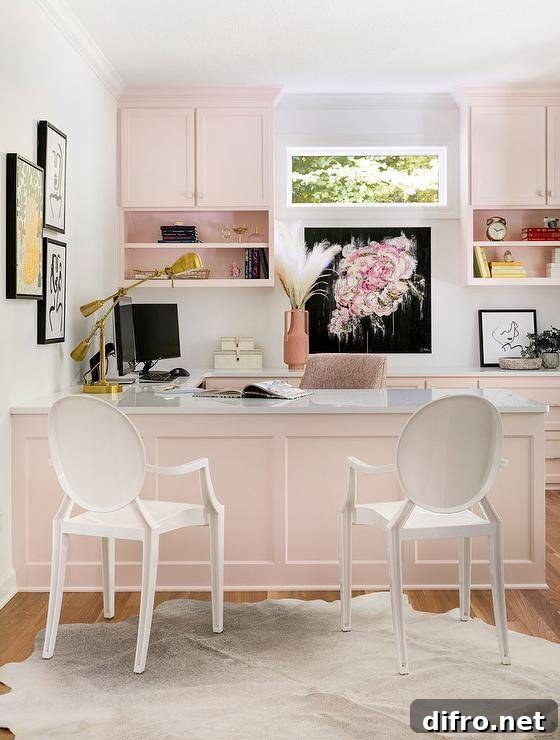
Tips to Make Your Home Office Look Expensive
Desk Choice Matters
The desk anchors the room. A larger, multi-functional desk gives your workspace presence and room for organized clutter, while a refined, well-proportioned desk instantly upgrades the look of the room. Choose a desk that fits your needs and the scale of the space.
Prioritize Comfort
Design a space you enjoy spending time in. Add personal touches that motivate you, but avoid too many distractions. Comfort should support productivity—choose ergonomic heights, good legroom, and an arrangement that reduces strain.
Coordinated Accessories
Matching desk accessories—pen holders, trays, and organizers—create a cohesive, high-end look. Thoughtfully chosen accents make the space feel intentional and polished.
Layered Lighting
Combine task lighting with ambient fixtures for balance. A dedicated desk lamp for focused work and a stylish pendant or floor lamp for ambient light will both improve function and elevate style.
Softness Underfoot
A plush rug or carpet softens the room and makes spending long hours in the space more comfortable. It also adds texture and warmth to the design.
Add Music
Background music can help you concentrate or relax depending on the task. A small speaker or sound system enhances the atmosphere without distracting you from work.
Keep Clutter Under Control
Organization is essential. Make sure there’s a place for everything—files, cords, and supplies—and tidy up at the end of the day so the room always feels inviting and focused.
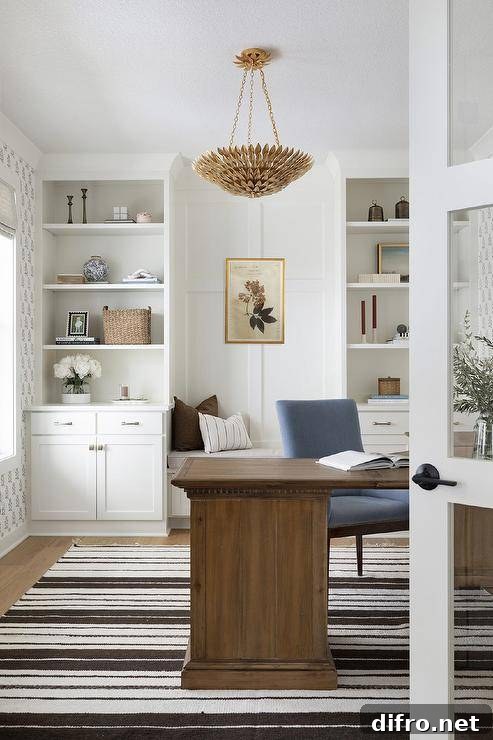
Essential Items Every Home Office Should Have
A well-equipped home office combines practical essentials and comfort items that support productivity and protect your work. Below are the most important elements to include when you set up your workspace.
Choose the Right Space
Select an area that minimizes household traffic and distraction. Avoid placing your desk in passageways or in the middle of high-traffic rooms. If possible, use a room with a door you can close or a quiet corner that stays separate from daily activity.
The Perfect Desk
Pick a desk that fits your workflow and the room’s scale. Whether minimalist or traditional, the desk should allow room for your computer, papers, and any devices you use regularly. Consider height, depth, and storage options.
Comfortable, Supportive Chair
Invest in an ergonomic chair you can sit in for long stretches without discomfort. Proper lumbar support, adjustable height, and comfortable padding prevent back pain and increase productivity.
Appropriate Lighting
Good lighting reduces eye strain and keeps you alert. Combine natural light where possible with a bright desk lamp and ambient lighting to maintain consistent illumination throughout the day and evening.
Reliable Computer and Connectivity
A dependable computer (often a laptop for mobility) and high-speed internet are non-negotiable for most remote work. Ensure your internet is stable—fiber or a high-speed broadband plan is advisable for video calls and large file transfers.
Printer, Scanner, and Backup Drive
Depending on your work, a multifunction printer/scanner can be useful for hard-copy documents. Back up data with a cloud service and an external drive to protect important files against hardware failure.
Surge Protection and UPS
Use surge protectors to shield electronics from voltage spikes, and consider an uninterruptible power supply (UPS) to save work and safely shut down devices during outages.
Filing, Storage, and a Safe
Keep paper files organized with a filing system and adequate storage for supplies. If you store sensitive documents at home, a lockable safe provides secure protection for essential records and backups.
Paper Shredder, Calendar, and Timer
A small shredder protects confidential information. A visible calendar or planner helps you track deadlines and commitments, and a timer or time-management tool supports focused work sessions and better routines.
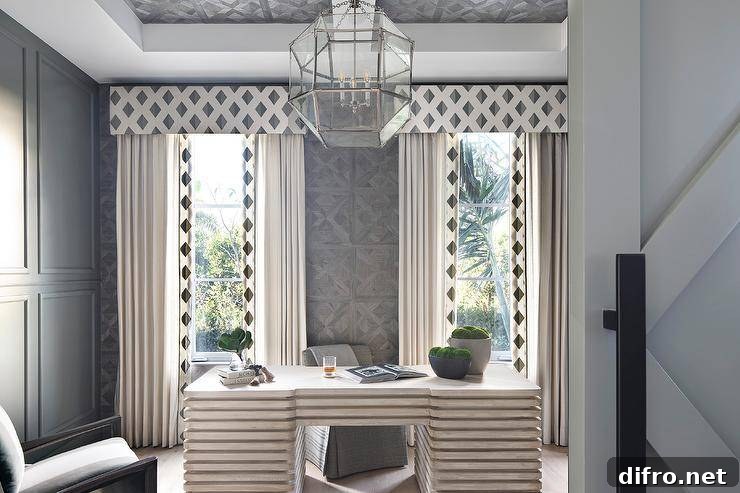
Creative Spots for a Home Office When You Don’t Have a Separate Room
Family Room
A desk can fit behind a sofa or along an otherwise unused wall. Choose storage solutions that hide supplies—baskets, closed cabinets, or built-in drawers—to keep the living area tidy.
Formal Living or Dining Room
Converting an underused formal space into an office yields privacy and scale. Add a sliding door, room divider, or curtains for separation, and use bookcases or wardrobes for storage.
Kitchen or Breakfast Nook
The kitchen can be a practical hub for homework or quick work tasks. A built-in desk in a breakfast nook or a slim desk along a wall keeps you in the heart of the home while staying functional.
Closet Office
A closet can become a compact “cloffice.” Install shelving and a small desk surface, and close the doors when you’re finished for a tidy, space-saving solution.
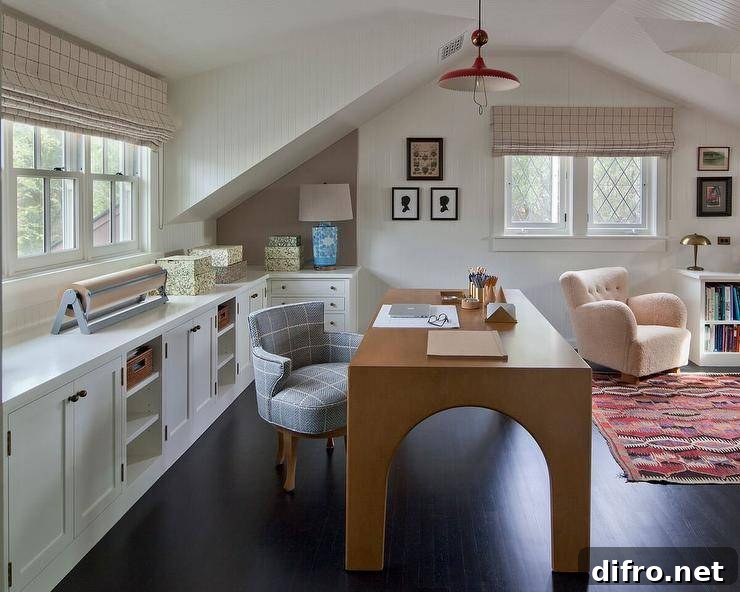
Frequently Asked Questions (FAQs)
Should you put your desk in front of a window?
Facing a window can be tempting for natural light and a view, but it can also create distractions and glare on screens. Many people find it more productive to position the desk so the light comes from the side or behind the monitor, or to use adjustable shades to control glare.
Should my desk face the door?
Facing the entrance can help you feel aware of the room and reduce surprise interruptions. If you prefer a view, balance it with placement that minimizes distractions so you can stay focused.
Is it okay to have a desk next to your bed?
Placing a desk in the bedroom is convenient but can blur the line between work and rest. If you work in your bedroom, maintain clear routines and set a hard stop time to preserve healthy sleep habits.
Why shouldn’t your office be in your bedroom?
Experts recommend keeping bedrooms for rest. Mixing work and sleep spaces can make it harder to switch off at night. If you must work in your bedroom, create separation—close doors, use a screen, and keep the workspace tidy—and avoid working right up until bedtime.
Should your PC be under your desk?
Where you place a PC is flexible, but airflow is critical. Avoid enclosing a computer in a tight cabinet or on a soft surface that blocks vents. Ensure adequate clearance for cooling and easy access to ports.
Additional Design Inspiration
- Small Rustic Home Offices
- Minimal Floating Desks for Small Modern Offices
- Men’s Home Office Design Ideas
- How to Feng Shui Your Home Office